In short: Supra Drift 3D is for players who like to tinker. Besides the usual steering and braking, it gives you a slow-motion button, headlights, working indicators and a replay of your run. It is less about winning a race and more about pulling off a beautiful slide and then watching it again in slow motion.
| Key | What it does |
|---|---|
| S / Down arrow | Brake |
| A / Left arrow | Steer left |
| D / Right arrow | Steer right |
| G | Toggle slow motion |
| L | Headlights on or off |
| Q / E / Z | Indicators and hazard lights |
| P | Play back a recorded run |
Yes, you can signal before drifting sideways through a corner. No, nobody will be impressed by your road safety.
Slow motion is not just for show. Turning it on mid-drift lets you see exactly when the rear tyres lose grip and how much steering you are using. If you keep spinning out, slow the action down at the moment it goes wrong. It works like a driving instructor who never sighs.
Press P after a good run. Watching it back shows where your line was tidy and where you were lucky. Players who replay their best runs improve faster, because they copy what worked instead of guessing.
Drive slowly at first and press every special key once so you know what they do. Turn the lights on with L, try the indicators with Q, E and Z, then switch on slow motion with G and take a corner. Watching the car in slow motion for a minute teaches you more about weight transfer than ten fast laps. Finish with a run you are proud of and press P to watch the replay.
It is closer to a drifting sandbox. The focus is car control and style rather than finishing first.
It switches slow motion on and off, which is great for studying your drifts.
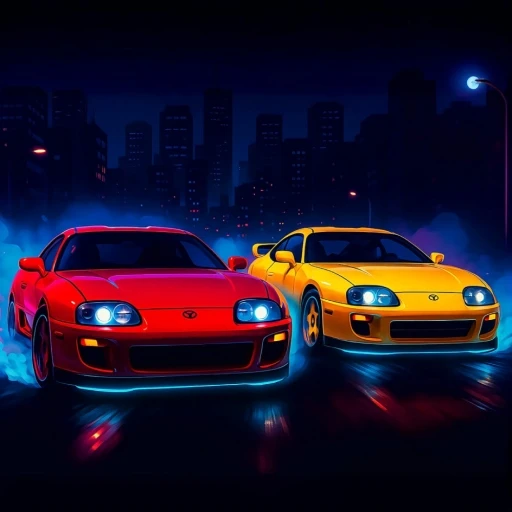
Prefer a head-to-head Supra battle? Try Two Supra Drifters. For no controls at all except one button, there is the Drift Boss game.
Supra Drift 3D belongs to Smartline-Games. This page is an independent guide written by DriftBoss2.online, which has no business connection to the game's makers.


Comments 0